



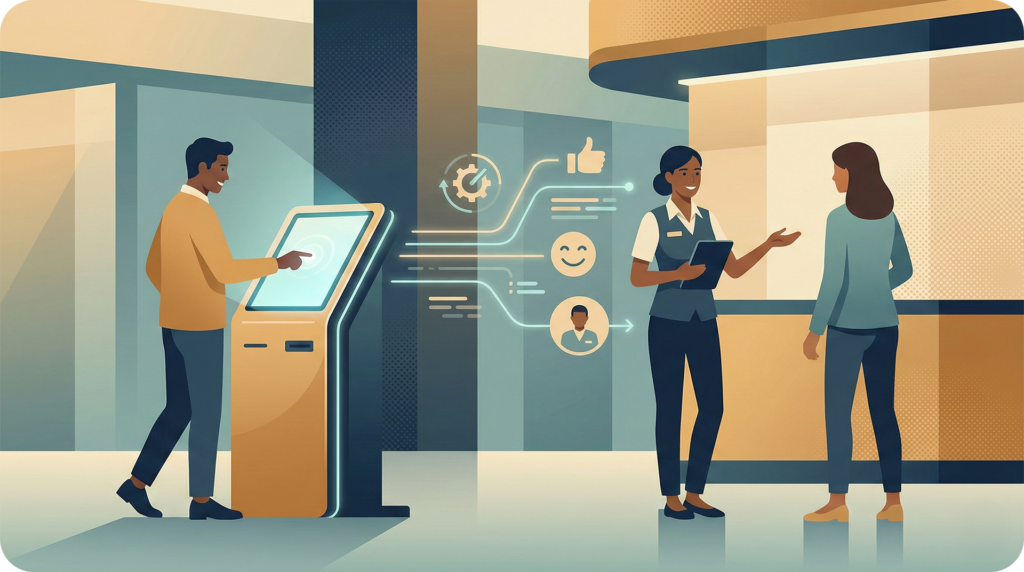
There is a specific moment that most venue operators know well. A visitor approaches the information desk with a straightforward question – where is the nearest restroom, which entrance is closest to parking, how do they find a specific tenant. The staff member answers. Then another visitor approaches with the same question. And another. By midday, a trained team member has spent the majority of their shift answering queries that a screen could handle in seconds.
A self service kiosk does not replace staff. It removes the repetitive, low-complexity interactions that prevent staff from doing meaningful work. When deployed correctly, it improves the visitor experience and internal efficiency at the same time – not as a trade-off, but as a direct outcome of the same investment.
What a Self Service Kiosk Actually Fixes
The fundamental problem is information delivery at scale. Large venues generate high volumes of directional and navigational demand that staff cannot sustainably meet without sacrificing service quality elsewhere.
A touchscreen directory handles location queries instantly, at any hour, for multiple visitors simultaneously. It delivers consistent answers every time, maintains current tenant and amenity information, and can be updated in real time without involving a vendor or submitting a support request. For operations teams, this changes the math on staffing, floor coverage, and service standards in a meaningful way.
Staff-Dependent Directory vs. Self-Service Kiosk
The operational gap between a traditional, staff-managed directory and an interactive wayfinding kiosk is wider than most venues realize before deployment. Here is a direct comparison:
| Capability | Staff-Dependent Directory | Self-Service Kiosk |
|---|---|---|
| Availability | Limited to staffed hours | 24/7 |
| Simultaneous visitors served | One at a time | Multiple, concurrently |
| Update process | Manual, requires staff involvement | Real-time via self-service portal |
| Wayfinding guidance | Verbal directions | Turn-by-turn interactive routes |
| Accessibility support | Varies by staff training | Built-in accessible route options |
| Search behavior data | None | Tracks queries, foot traffic patterns |
Beyond the operational advantages, the analytics a kiosk generates – search trends, peak inquiry times, most-requested destinations – give property and operations teams actionable data they previously had no structured way to collect.
Three Questions IT Teams Ask Before Approving Kiosk Deployment
1. How complex is the integration with existing systems?
Modern digital kiosk platforms use open APIs and connect with existing CMS platforms, tenant directories, and property management systems. Integration no longer requires a months-long IT project or significant infrastructure investment. Most enterprise-grade platforms deploy within weeks, not quarters.
2. Who manages updates when tenant locations change?
This is the right question to ask. Legacy solutions often require vendor involvement or developer time to push content changes. Platforms with a built-in self-service portal allow property managers and marketing teams to update tenant listings, hours, and promotions in real time, without opening a support ticket or waiting on an external team.
3. What does post-launch support look like?
Hardware and software issues are inevitable. The variable is how quickly they get resolved and who is responsible for resolving them. Vendors that offer a dedicated customer success team and defined technical support protocols fundamentally change the risk profile of a kiosk deployment compared to point-solution providers with no post-launch ownership.
Where Self-Service Kiosks Deliver the Most Value
The use cases vary by venue, but the underlying logic is consistent across property types:
- Shopping centers use kiosks to direct shoppers to retailers, promotions, and amenities, reducing navigation friction and extending dwell time.
- Airports deploy them at high-traffic decision points to manage wayfinding demand across complex terminal layouts without increasing headcount.
- University campuses rely on interactive directories to help prospective students, event visitors, and new staff navigate buildings and services efficiently.
- Commercial properties use lobby kiosks to create a polished first impression and reduce the burden on concierge staff during peak hours.
In each case, the self service kiosk functions as a consistent, on-brand touchpoint that improves visitor experience before any staff interaction occurs.
What Strong Kiosk Deployments Have in Common
Venues that get the most value from a self service kiosk share a few implementation principles:
- The map and directory data are accurate, current, and easy to update without vendor dependency.
- The kiosk interface reflects the venue’s brand identity, not a generic off-the-shelf UI.
- Accessibility routes and features are built in, not added as an afterthought.
- Visitors can transfer their route to a mobile device and continue navigating on the go.
- The platform captures usage data that informs ongoing operational and marketing decisions.
Execution quality at each of these points is what separates a high-performing kiosk from an expensive directory that visitors ignore after the first month.
How MapVX Delivers Kiosk Solutions That Actually Perform
Most venues do not struggle with the decision to deploy a kiosk. They struggle with finding a solution that executes well, stays current, and does not create a new dependency on the vendor every time something needs to change.
MapVX builds custom kiosk experiences tailored to each venue’s branding, layout, and operational requirements. The platform deploys across kiosk, web, and mobile simultaneously, with QR code handoff so visitors can take their route with them. Content is managed through a self-service portal that puts updates in the hands of the property team, not a development queue.
Implementation typically goes live in as little as six weeks. A dedicated customer success team supports each client from initial onboarding through ongoing optimization, ensuring the platform evolves as the venue does. That support model is not incidental – it is the difference between a kiosk that performs for years and one that stagnates after launch.
If you are evaluating self service kiosk solutions for your venue, explore plans and pricing to find the right fit, or book a demo to see a custom build for your specific environment.